

5 min read
Plumbing Invoice Software: How to Choose One That Gets You Paid Faster
Natalie Koop
:
Oct 16, 2026, 7:45:00 AM
Table of Contents
The best plumbing invoice software lets your tech send the invoice from their phone before they leave the driveway, accepts card and ACH payments on site, syncs cleanly to QuickBooks, and automates reminders for anything left open. But invoice software is usually not the actual problem. Most slow payments start before the invoice is ever sent.
The short answer
Shop plumbing invoice software for mobile invoicing, in-field card and ACH payments, QuickBooks sync, and automated reminders. But fix your upstream pricing and approval process first, or faster software will just send disputed bills faster.
That's the part most comparison posts skip. Every "best plumbing invoice software" roundup walks you through the same five or six tools and ranks them on features. None of them stop to ask whether the invoice itself is where your payment problem actually lives. This piece covers both.
What to Compare When Choosing Plumbing Invoice Software
If you're already decided that invoicing software is the right investment, here are the five things that actually matter when you're comparing options.
Mobile Invoicing From the Tech's Phone or Tablet
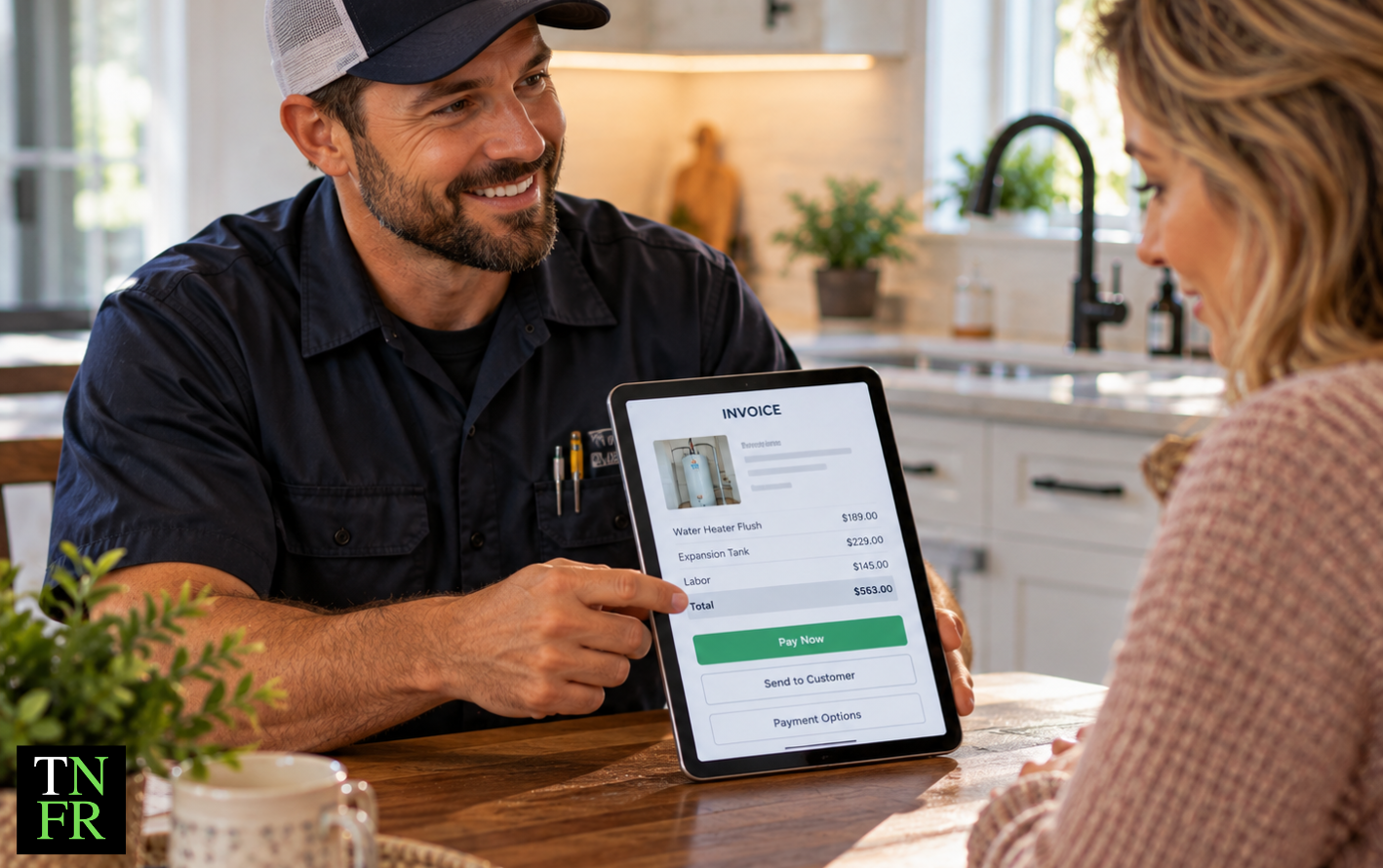
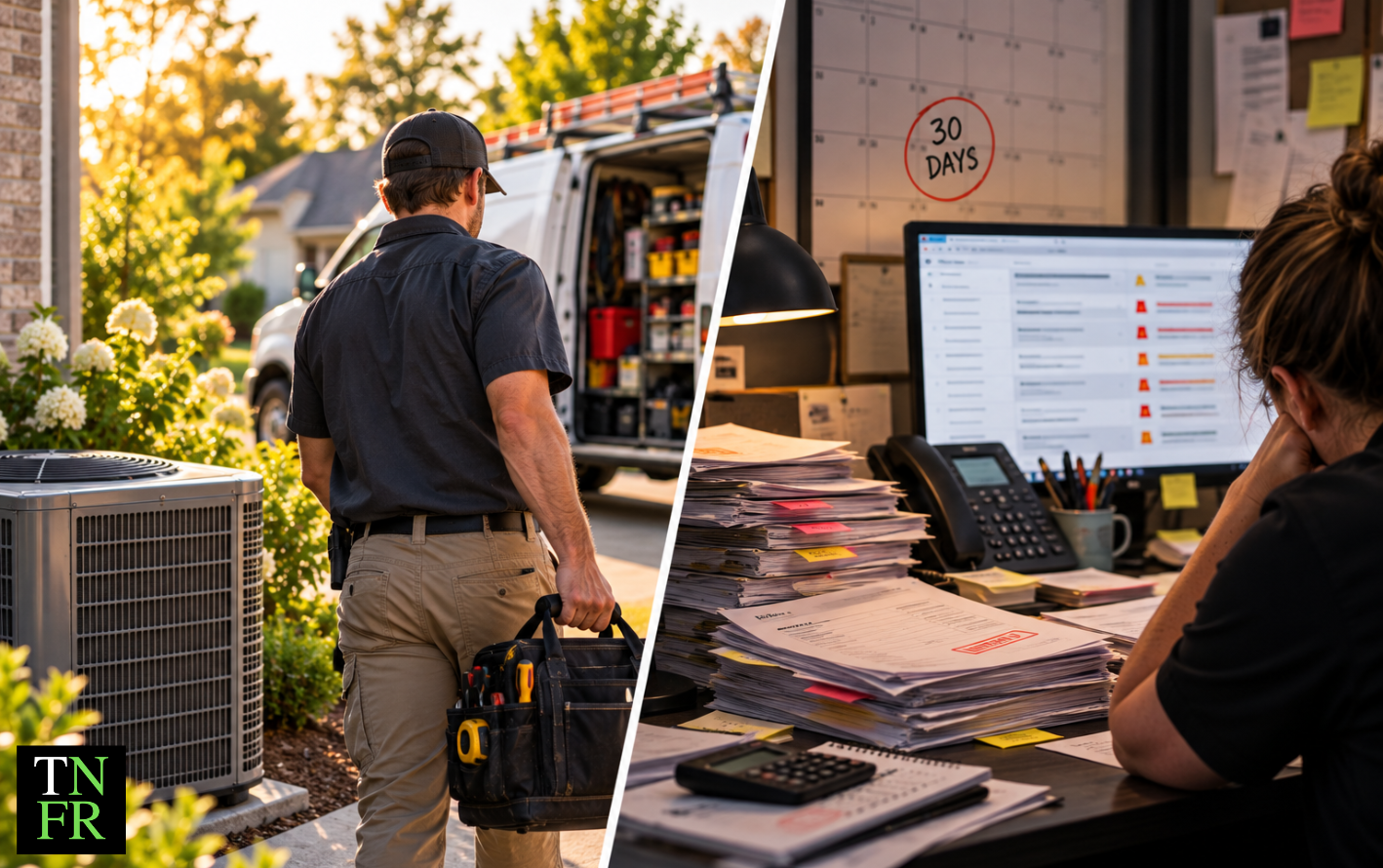
The biggest difference between slow-paying and fast-paying service businesses is where the invoice gets created. If your tech has to drive back to the shop, hand off a paper copy to admin, and have an invoice emailed days later, you've just added anywhere from two to ten days of float to every job. Mobile invoicing closes that gap. Your plumbing invoice app should let the tech generate the invoice, show the customer, and send it before they're back in the truck.
Card and ACH Payment Collection in the Field
A plumbing invoice template on paper does one thing: it tells the customer what they owe. A good plumbing invoice app does more. It collects the payment right there. Look for software that accepts credit cards, ACH, and digital wallets without routing the customer to a separate payment link. The friction between "here's your invoice" and "payment received" is where money goes to die.
QuickBooks (or Your Accounting Platform) Sync
If your invoicing software doesn't talk to your accounting system, you've created manual work that someone will eventually skip. QuickBooks sync should be two-way: invoices flow to QuickBooks for the books, and payment status flows back so your field team always sees current data.
Automated Payment Reminders
Not every invoice gets paid on site. For the ones that don't, automated reminders handle the follow-up without someone having to make awkward calls. Look for software that sends scheduled reminders at seven, fourteen, and thirty days, with escalating urgency.
Built Into Your FSM, or a Separate Tool?
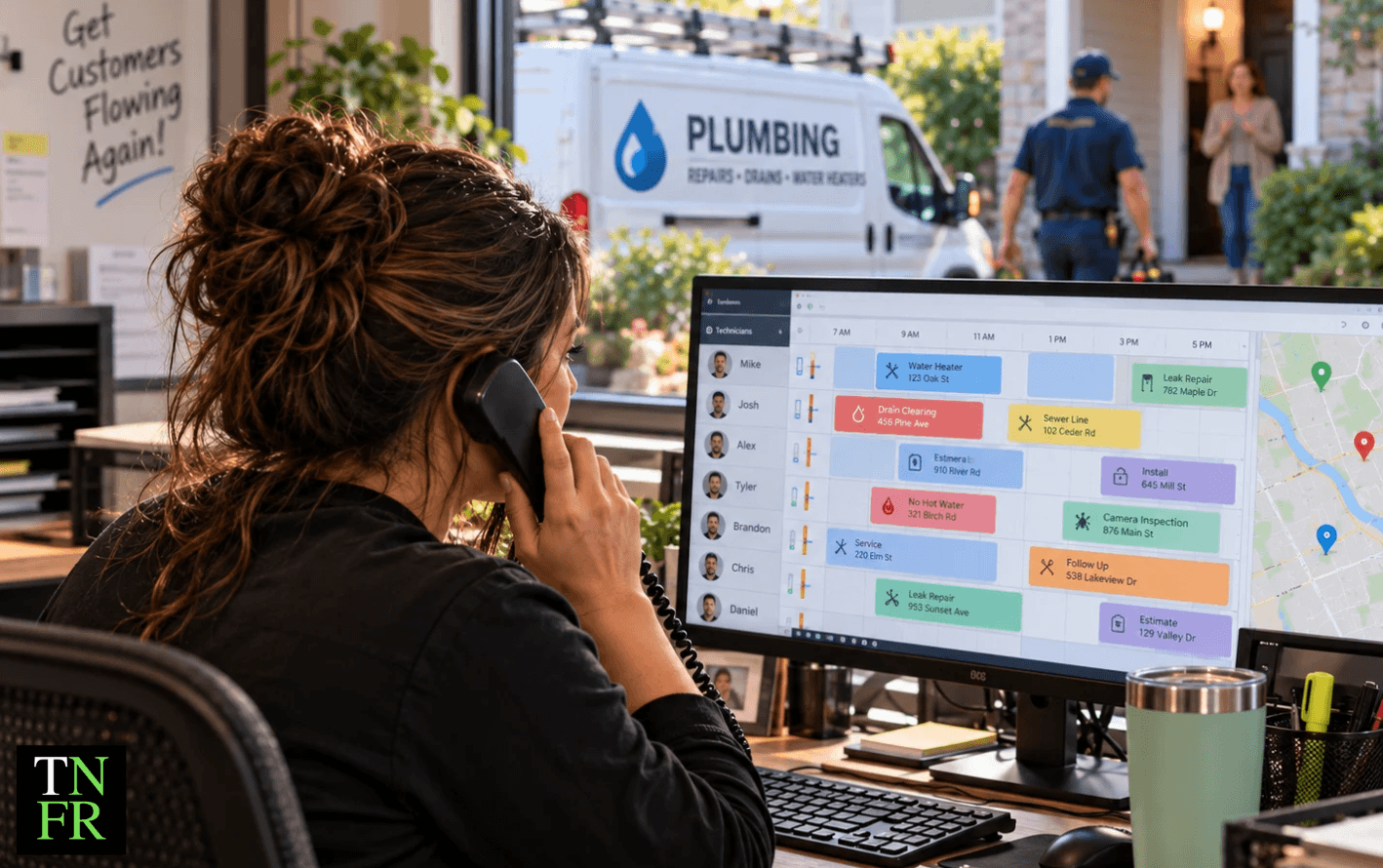
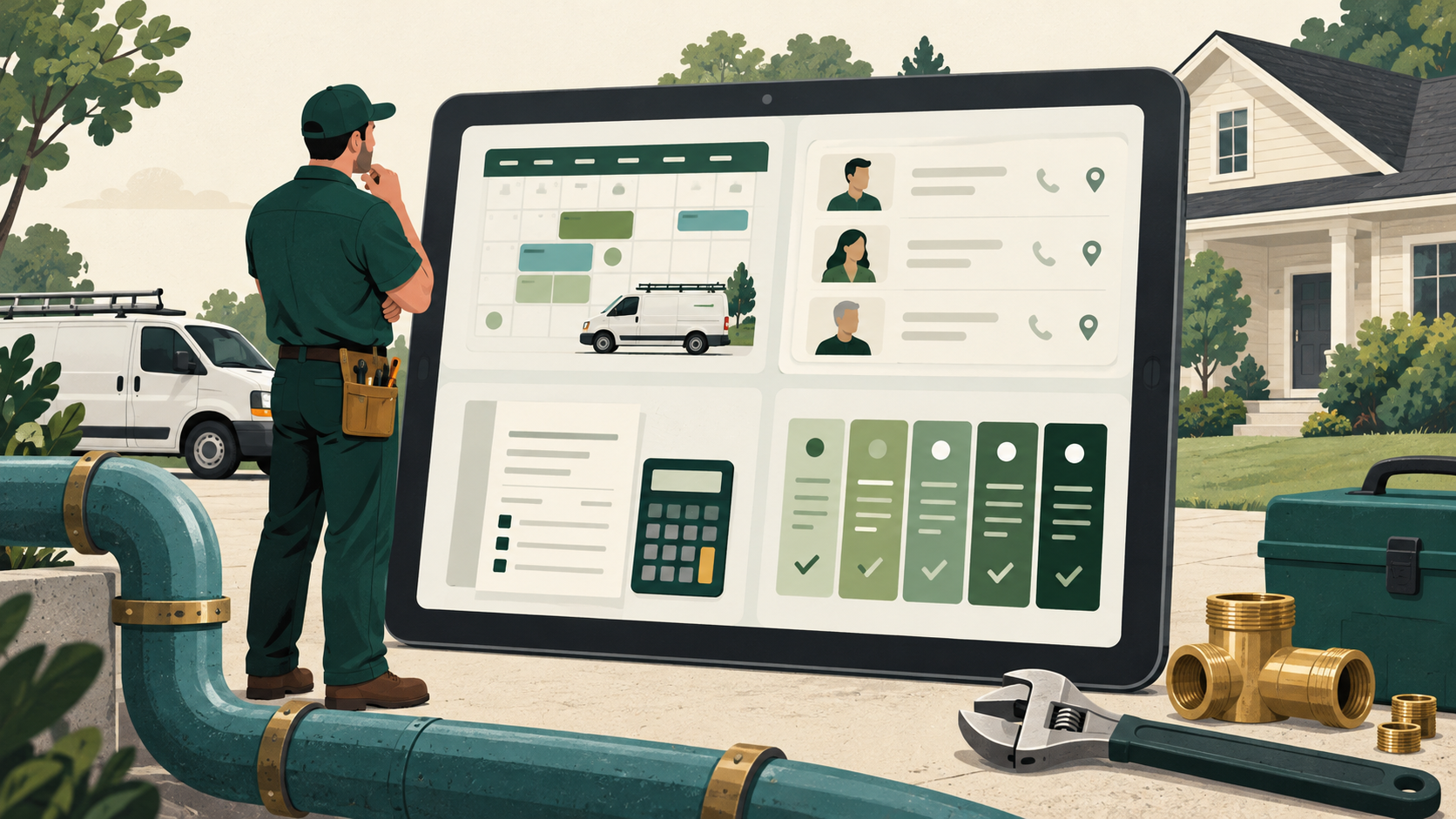
A lot of plumbing invoicing software lives inside field service management (FSM) platforms like ServiceTitan, Housecall Pro, Jobber, and FieldEdge. Standalone tools like QuickBooks, FreshBooks, and Wave exist and have their place. The decision usually comes down to one question: how much of your operation already lives in your FSM? If dispatch, scheduling, and customer history are already there, invoicing from the same system means less double entry. If you're running separate tools for everything else, a standalone invoicing app is fine.
Why Most Slow Payments Start Before the Invoice
Here's the uncomfortable truth about plumbing invoice software: faster software doesn't fix slow payments. It just sends disputed bills faster.
When a homeowner pushes back on an invoice, it's almost never because the invoice arrived slowly. It's because of one of three things that happened earlier in the job.
The scope wasn't clear from the start. The homeowner didn't fully understand what the plumber was going to do, or what it was going to cost. When the invoice shows up, it's the first time they're seeing the real number, and they weren't ready for it.
They were given one price and never got to choose. When a plumber hands over a single number for a repair or replacement, the customer has two paths: approve it, or push back. There's no middle ground. So when the number feels high, pushback is the only move left.
The work changed and no one re-approved the price. Mid-job changes are common in plumbing. A valve needs replacing. A pipe behind the wall is worse than it looked. If the tech doesn't stop, document the change, and get written approval before continuing, that extra work shows up on the final invoice as a surprise. Surprises on an invoice are how disputes start.
All three of these happen upstream of the invoice. No invoicing software, however fast, is going to fix them.
What most people get wrong: They treat slow payments as a software problem. The reality is that homeowners rarely dispute a price they chose themselves. With menu pricing (for example, The New Flat Rate's five-option menu), the homeowner picks and approves the price before any work starts. The invoice simply confirms a decision they already made.
For a deeper look at how plumbers can structure the on-site conversation so the customer actively picks the option, see Plumbing Sales Training: How to Train Plumbers to Sell.
Want the full playbook for pricing homeowners actually approve?
Grab the free Pricing Playbook. It covers how to build, present, and get approval on plumbing pricing before the invoice stage, so the final bill is never the first time the customer sees a number.
How to Get Paid Before the Tech Leaves the Driveway
The fastest payment is the one collected on site, on an invoice the homeowner already agreed to. That means the close happens before the tech packs up, not days later when the customer has had time to second-guess the price or forget what was discussed.
On-Site Payment Collection
Every plumbing invoice software you evaluate should make on-site payment collection fast. Open the invoice, show the customer, tap the payment option, swipe or key in the card, done. If the process adds more than a minute to the end of the call, techs will skip it.
Financing for High-Ticket Work
Not every plumbing job fits on a credit card. For a repipe, a sewer line replacement, or a tankless install, the homeowner may need financing to say yes on site. Having a financing option built into the quote, not pulled out as a last resort when the customer hesitates, removes one of the most common reasons jobs get delayed. See Should I Offer My Customer Financing Options? for more on how financing changes the on-site close.
Transparent Pricing Homeowners Can See Upfront
The faster the customer understands what the work costs, the faster the sale closes, and the faster the invoice gets paid. Transparent pricing that homeowners can see before the plumber ever shows up reduces the sticker shock that often leads to delayed payment. Speed to Price: Why Homeowners Want to See Your Prices Online covers this in more depth.
The payoff for closing on site isn't just the invoice. It's the follow-up calls you don't have to make, the collections you don't have to chase, and the AR aging report you don't have to look at.
What to Fix Before You Switch Invoicing Tools
Before you spend another dollar comparing plumbing invoice software, run through this short list. If any of these are missing, software won't rescue you.
Approved price before any work starts. The homeowner should know and agree to the price in writing before the plumber picks up a tool. This is the single most important thing you can do to reduce disputed invoices.
Written approval for any mid-job changes. If the scope changes once work has started, stop. Document the change. Show the new price. Get a signature or digital approval. No signature, no additional work.
Payment collected on site, every time. Train your techs that the invoice is part of the job, not a step after it. The job isn't closed until the money is in the account.
Automated reminders for anything left open. For the small percentage of jobs that don't close on site, let software handle the follow-up. Don't put that on a human who already has a full day.
Once those four fundamentals are solid, that's the point to shop for faster plumbing invoicing software. At that point, better software will actually move the needle. Before that point, you're paying for shinier wrapping on the same problem.
Key takeaways
- The best plumbing invoice software supports mobile invoicing, in-field card and ACH payments, QuickBooks sync, and automated reminders.
- Faster software doesn't fix slow payments. It sends disputed bills faster.
- Most invoice disputes come from upstream issues: unclear scope, one-price pricing, or mid-job changes without written approval.
- Homeowners rarely dispute a price they chose themselves, which is why menu pricing changes the invoice conversation entirely.
- The fastest payment is collected on site, before the tech leaves, on an invoice the homeowner already approved.
- Fix your pricing, approval, and on-site close process before shopping for new invoicing software.
Ready to tighten up the pricing side so your invoices stop getting disputed?
Most slow-paying plumbing jobs trace back to a pricing conversation that never actually happened. The Pricing Playbook walks through how to build, present, and get approval on plumbing pricing before the invoice ever gets sent, so the final bill is never a surprise.