

5 min read
Plumbing Scheduling App: Why Your Calendar Keeps Breaking
 Chloe Sackett
:
Oct 19, 2026, 7:45:00 AM
Chloe Sackett
:
Oct 19, 2026, 7:45:00 AM
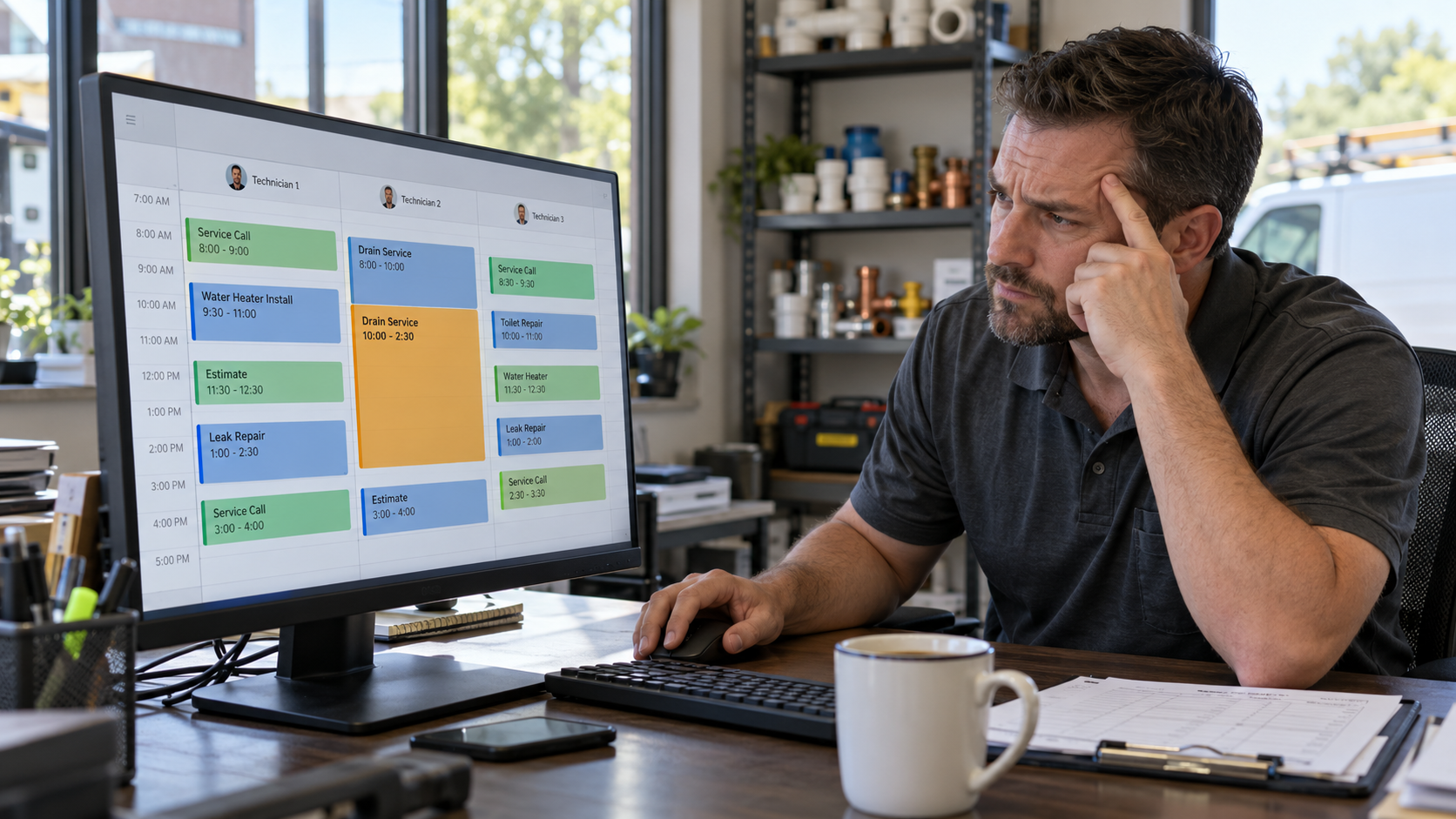
Table of Contents
Your board looks tidy at 7:45 and broken by 11. So you start asking: what's the best scheduling app for a small plumbing business? The honest answer is any app that lets you set real job types, real durations, and real booking rules, because a plumbing scheduling app only runs what you feed it.
What you'll walk away with
- Slot lengths for each job type, built from your own job history
- A clear rule for when to use arrival windows and when to set a time
- A list of plumbing jobs customers should never book themselves online
Why Plumbing Calendars Break (Hint: It's Not the App)
Plumbing scheduling is really two jobs: booking the work and scheduling the people. This post covers booking the work, because that's where most calendars fall apart. They don't fail because the software is bad. They fail because of three inputs every app depends on.
The duration is a guess. A drain call goes on the board as one hour. Then the line needs a camera, the cable hits roots, and the homeowner wants to talk it over before approving the bigger fix. One hour turns into four, and every job behind it slides.
Every job gets the same slot. If a faucet swap and a water heater replacement both show up as one-hour blocks, the calendar is wrong from the moment it's built.
CSRs book whatever is open. Nobody told them a sewer camera inspection needs a bigger window, or which techs can handle a tankless install. So they fill the next gap they see.
That's why a new app with the same inputs usually breaks faster, not slower. Automation takes your assumptions and applies them to every booking, every day. Switching your field service software won't fix a slot length that was wrong to begin with.
|
Do this Set slot lengths by job type, based on how long those jobs actually take your techs. |
Not this Book every job as one hour and expect new software to sort it out. It won't, and every overrun pushes the rest of the day late. |
Step 1: Set Job Types and Realistic Durations Before You Touch the App
Start with your own job history, not the default settings in a plumbing scheduling app.
1. Pull the last 60 to 90 days of completed jobs
Most systems can export this. A stack of invoices works too.
2. Group them by job type
Keep the list short enough that a CSR can pick the right one in five seconds. A small shop might start with:
- Service call or diagnostic
- Drain clearing
- Water heater repair
- Water heater replacement
- Fixture repair or install
- Sewer camera inspection
- Maintenance visit
3. Find the typical time on site for each
Use what usually happens, not your best day. If drain calls run anywhere from 45 minutes to three hours, don't book them at 45 minutes.
4. Build the slot from the whole visit
Drive time, diagnosis, walking the homeowner through options, their decision, the work, and cleanup all belong inside it.
5. Write it down for your CSRs
One sheet: job type, slot length, and which techs can run it.
The variable most shops never schedule for
Look at step 4 again. The repair itself is usually the predictable part. The time at the kitchen table is not.
When the price conversation turns into a negotiation, the call stretches. The tech explains, the homeowner pushes back, the tech calls the office for approval, and the next customer is waiting. Shops that present options the same way on every call, with a consistent menu instead of a number worked out on the spot, find that part of the visit gets a lot more predictable. Predictable visits give you durations you can trust.
Where is your day leaking money?
Wrong slot lengths, late starts, and unbilled diagnostic time all hit the bottom line. Grab the free Revenue Leak Checklist and find the gaps in an afternoon.
Arrival Windows or Set Appointment Times: Which Works for Plumbing?
For most residential plumbing service calls, arrival windows win. Job length varies too much to promise a customer 10:00 sharp when the call before them might be a slab leak.
Set appointment times still have a place. Use them where the job is predictable or access is scheduled:
- Estimates for bigger work like repipes or water heater replacements
- Maintenance visits for your members
- Commercial jobs where a property manager has to let you in
How wide should the window be? Narrow windows please customers and break easily. Wide windows protect the board and frustrate the homeowner taking time off work. Most shops land somewhere between two and four hours. Pick one, tell customers exactly what it means, and send an on-my-way text so the wait feels shorter.
Build in a buffer. Leave one open slot per tech per day, or a short gap after your longest job types. If you don't need it, pull a job forward. If you do, it saves the afternoon.
Windows and buffers keep the plan realistic. What you do when the day goes sideways anyway is a dispatch problem, and that's a different set of decisions.
Should Plumbing Customers Book Themselves Online?
Online booking for plumbers can help or hurt, depending on what you let people book.
Where it helps: after-hours requests that would otherwise end up in the next shop's inbox, routine work with a predictable slot, and members booking their recurring maintenance visits. The customer already knows what they need, and the slot length is easy to set.
Where it hurts: the customer picks the job type. A homeowner with water coming through the ceiling might choose "fixture repair" because it's the first option that looks close. Now an emergency is sitting in a Thursday slot, and a one-hour block is holding a job that needs half a day.
Job types that should never be self-booked:
- Active leaks, backups, or no water (these need triage and same-day routing)
- Water heater replacements (fuel type, size, and access all change the job)
- Sewer line, slab leak, and repipe work (book these as estimate visits with longer slots)
- Gas line work
- Anything the customer can't describe
A middle ground works for a lot of shops: let customers request a time online, then have a CSR call back to confirm the job type and slot before it hits the board.
The same rules apply to AI receptionists and AI booking tools. They're useful for catching calls after hours, but they book exactly the way you set them up. Give them bad job types and they'll fill your calendar with bad appointments around the clock.
What's the Best Scheduling App for a Small Plumbing Business?
The best scheduling app for a small plumbing business is one that lets you set job types with their own durations, offer arrival windows, control what customers can book online, and see every tech's day at a glance. Once your inputs are right, most solid plumbing scheduling software will hold. Without them, none will.
Before you sign up for anything, check for these:
- Custom job types, each with its own default duration
- Arrival windows customers can see, plus set times for estimates
- Online booking you can turn on or off by job type
- Booking rules or notes your CSRs see while they book
- A clear view of each tech's day, including open buffer time
- Recurring scheduling for maintenance customers
- Automatic confirmations and on-my-way texts
- Room to grow when you add a truck or a tech, which should already be in your business plan
If an app checks these boxes and you've fixed the inputs, you're in good shape. If it checks every box and your durations are still guesses, you'll be shopping again next year.
Want the next one in your inbox?
Pricing, sales, and keeping good techs — plus training and events as they come up.
Key takeaways
- Plumbing calendars break because of inputs: guessed durations, same-size slots, and CSRs booking whatever is open.
- Build job types and slot lengths from 60 to 90 days of your own job history.
- Count the whole visit, including the time at the kitchen table, not just the repair.
- Use arrival windows for most service calls and set times for estimates, maintenance, and commercial work.
- Keep emergencies, water heater replacements, sewer, slab leak, repipe, and gas work off online booking.
- Fix the inputs first, then pick the app that checks the boxes above.
Is Your Calendar Costing You More Than Time?
A plumbing scheduling app is only as good as the job types, durations, and booking rules behind it. When those are off, you lose more than a few hours: late starts, rushed calls, and unbilled diagnostic time all come out of your margin. The Revenue Leak Checklist shows you where your schedule, pricing, and process are costing you.